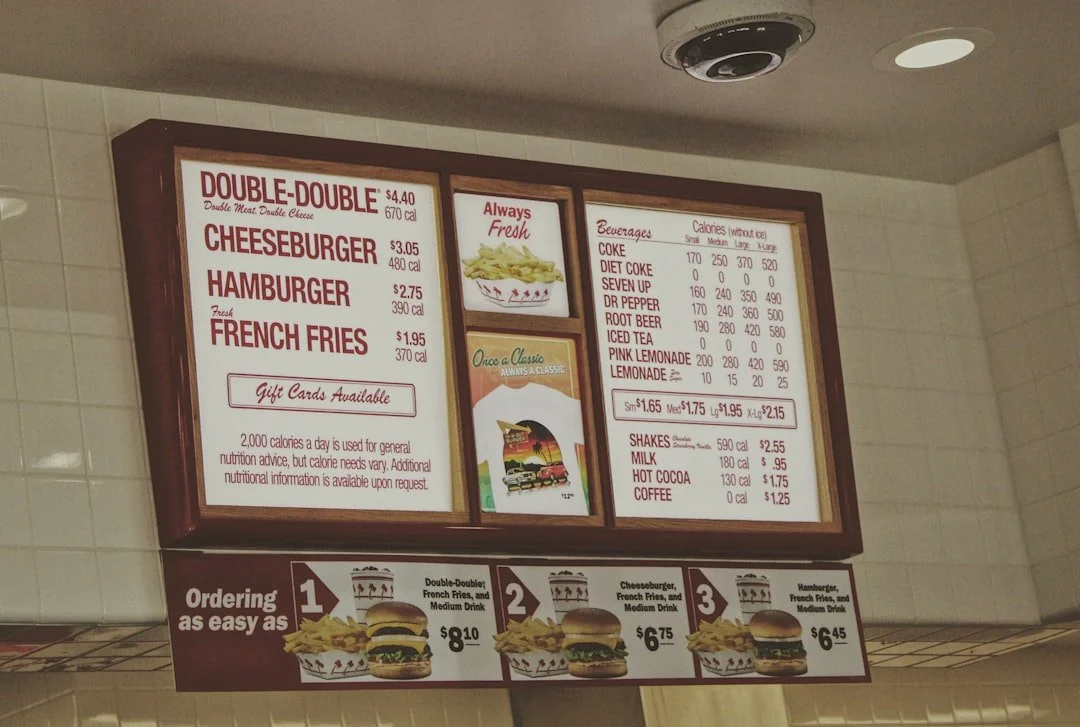
Imagine walking into a diner, sitting down, and being handed a menu. It tells you exactly what’s available, how it’s prepared, and how long it might take. You choose, the kitchen gets to work. Now imagine a diner with no menu, where customers order whatever they want, whether an elaborate dish the kitchen doesn’t serve or their food immediately because they’re in a rush. The result is confusion, frustration, and unrealistic demands. That’s precisely what happens in IT when an MSP has no clear service catalog or defined SLAs.
Menus and service catalogs: setting expectations
A diner menu isn’t just a list of food. It’s a way to manage expectations, showing what’s available, what’s included, and how long the wait might be. An MSP needs a well-defined service catalog for the same reason: to communicate what services you provide and under what conditions. Without one, clients assume that because you’re their IT provider, you should handle anything remotely related to technology. “But you’re my IT provider, you should be able to do this” is a phrase every MSP hears when the boundaries aren’t set.
SLAs: your stated wait time for IT solutions
Some menu items come with a note: “this may take up to 30 minutes to prepare.” That’s the diner’s SLA, telling you how long something takes so you can decide. SLAs in IT do the same, defining response and resolution expectations. A critical system issue might be prioritized and resolved within a set number of hours, while routine maintenance takes longer. Without SLAs, clients expect immediate service regardless of complexity or anyone else’s urgency, like the diner customer who wants their food first because they’re in a hurry. SLAs keep service fair and transparent for both sides.
Substitutions and special orders: the risk of undefined services
What happens when a diner allows unlimited substitutions and special orders? Chaos. The kitchen gets overwhelmed and service slows for everyone. The same happens when an MSP doesn’t define its services. Clients ask for things outside the agreed scope simply because they’re IT-related and, with no catalog, assume it’s included. Standard support might cover basic Office 365 issues, but what about complex cloud security protocols, or firmware updates only included in a specific vulnerability-management offering? A catalog makes clear what’s included and what costs extra or takes more time, the IT equivalent of charging extra for the avocado toast.
Build your catalog and SLAs: four focus areas
To run your services like a well-oiled diner, build a detailed catalog tied directly to your contracts, focusing on four areas:
- Alerting and monitoring: define how and when you alert clients, and the response time for each alert level.
- Updates and maintenance: make clear what’s in standard support (Office 365 updates) versus specialized services (firewall firmware tied to security or vulnerability management).
- Response times: set realistic SLAs defining response and resolution for each service level, so clients know what to expect for a minor issue versus a critical outage.
- Standard vs. premium services: differentiate them so there are no surprises when a client asks for something beyond the standard package.
The power of clarity
A well-organized diner with clear menus and a kitchen that knows what to prepare runs smoothly. An MSP with a detailed service catalog and clearly defined SLAs is a reliable partner: it sets expectations, reduces confusion, and ensures both sides understand what’s included and what’s not. That clarity is what keeps clients from churning, and retention is where the money is. Bain & Company research published in Harvard Business Review (opens in a new tab) found that raising customer retention by just 5% increases profits by 25% to 95%. A catalog is also the foundation that makes aligning sales and operations and turning your stack into priced bundles possible. Just as a diner wouldn’t last without a menu, your MSP shouldn’t operate without a catalog and well-defined SLAs. Next time you review your contracts, ask: what’s on the menu?
At Ridgeview Advisors, we teach MSP teams how to define and operationalize their service catalog, learning from peers, coaches, and leaders who’ve built them. When you’re ready to put a menu in front of your clients, join a cohort (opens in a new tab).